Issue Board
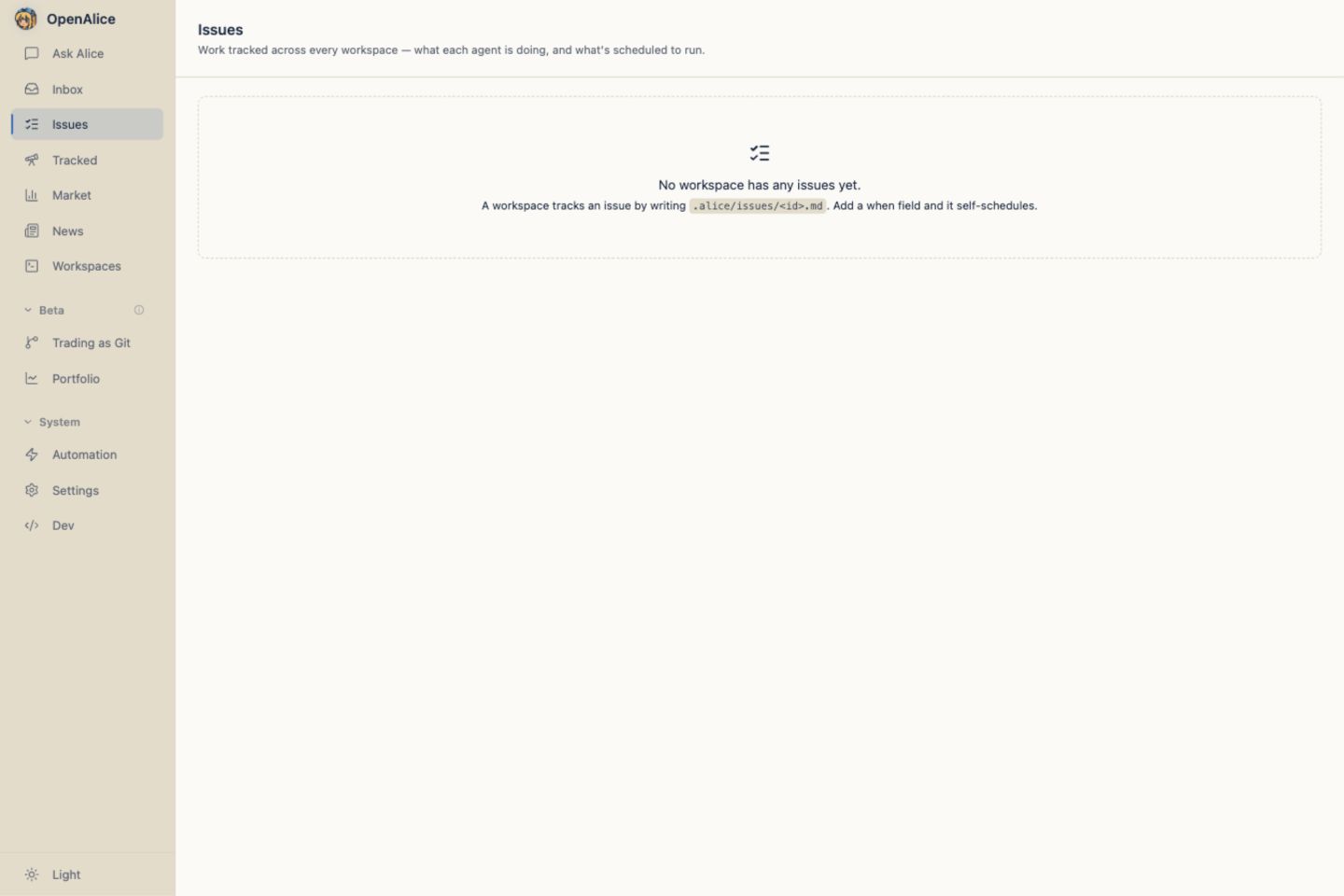
The Issue Board is a global view over work stored inside every active Workspace. There is no central issue database: OpenAlice scans each Workspace's .alice/issues/ directory and validates every file independently.
An Issue has two roles:
- without
when, it is a tracked work item; - with
when, the same file self-schedules a headless run of its owning Workspace.
File contract
Each Issue is one file at <workspace>/.alice/issues/<id>.md:
---
title: Pre-market brief
status: todo
priority: high
assignee: "@new-then-resume"
when: { kind: cron, cron: "30 8 * * 1-5", timezone: America/New_York }
agent: codex
credential: openai-primary
model: gpt-5.6-sol
effort: high
timeout: 30m
---

Pull pre-market movers and overnight news, write `research/premarket.md`,
then push the report to Inbox. Stay silent when nothing material changed.
The filename stem is the stable Issue id. The Markdown below frontmatter is the canonical What: the complete work definition that humans edit, agents receive, and scheduled runs execute. There is no second prompt field to drift from the document.
| Field | Default | Meaning |
|---|---|---|
title | required | Human-readable title |
status | todo | backlog, todo, in_progress, done, or canceled |
priority | none | urgent, high, medium, low, or none |
assignee | creator/schedule dependent | Ownership and scheduled dispatch contract |
when | absent | Optional at, every, or cron schedule |
agent | Workspace headless default | Runtime for @new-then-resume or @new-each-run scheduled work |
credential | Workspace headless default | Optional secret-free Alice-vault credential slug for this Issue run |
credentialSource | Workspace headless default | Set to native to explicitly let the Agent runtime manage access; mutually exclusive with credential |
model | Workspace headless/runtime default | Optional native model id for this Issue run |
effort | Workspace headless/runtime default | Optional one-run reasoning effort: none, minimal, low, medium, high, xhigh, max, or ultra |
timeout | no limit | Optional scheduled-run watchdog: 15m, 30m, 45m, or 60m |
commentPrompt | built-in Issue wrapper | Optional template for the Input Prompt sent when a comment needs a reply; must include {comment} |
done and canceled are terminal and stop future fires. A successful one-shot at Issue is marked done automatically.
Comments are Markdown records in .alice/issues/<id>.comments.json, not a fragile heading inside the What body. The agent can rewrite the Issue document without erasing the discussion history.
By default, a comment reply receives an Issue-aware wrapper containing the id,
title, author, comment, and a direct-reply instruction. commentPrompt
replaces that complete wrapper. It accepts {comment}, {title}, {id},
{workspaceId}, {author}, and {what}, and must include {comment}. Use
commentPrompt: "{comment}" for a chat-style pass-through, or choose Use
default wrapper in Issue detail to remove the override.
One protected exception is an optional Connector phone desk.
Settings marks its Workspace-owned Issue with connectorDesk: <connectorId>;
generic Issue create/update, CLI, and MCP surfaces cannot write that field. One
live desk may exist per connector, so Telegram and Feishu/Lark can use separate
Issues and queues. Every desk remains schedulable and keeps ordinary What,
comments, Activity, and Runs, but OpenAlice hides it from the global board and
Tracked list so external chat does not masquerade as another work item. Startup
migrates the retired telegramConnector: true field to
connectorDesk: telegram without renaming telegram-phone-desk.md.
Only a scheduled fire stamped for that same connector interprets
[[no-reply]] as a local-only result. An ordinary linked-owner comment treats
the literal tag as message text, so user chat cannot accidentally suppress the
durable reply.
When an Issue has an exact @resumeId owner, a comment from somebody else is
delivered asynchronously to that Session. Its final reply becomes another
structured comment, while the original records pending, replied, or
failed. The note is durable even when delivery fails.
Exact owners and active workers for ordinary Issues remain on Issue and Automation surfaces instead of the shared Ask Alice, AutoQuant, and Prediction rosters by default. Settings → Appearance → Visibility → Show Issue-attached Sessions opts them into those rosters without changing assignment or dispatch. Connector chat Sessions always stay hidden. This visibility choice is independent from Show headless-born Sessions.
While delivery is pending, Activity can render a bounded live timeline of
semantic text blocks, tool names/status, and errors from that headless turn.
Tool input/output are deliberately excluded. This progress is transport rather
than another comment or transcript: it is removed from the task record at
terminal state, while the durable reply comment, delivery state, and Run remain.
For a human comment without a fixed Session owner, OpenAlice follows creation
provenance: it continues the attributable creator, or recruits a reconstructed
Session in the Issue Workspace when no creator Session exists. The reply stays
in Activity and assignee does not change; a temporary answerer never becomes
the scheduling owner. Agent-authored comments without a fixed owner remain
timeline notes so progress logging does not fan out workers.
Ownership is explicit
assignee is the only ownership and dispatch field:
| Value | Meaning |
|---|---|
@new-then-resume | Recruit a new Session on the first fire, then persist that exact Session as the sticky owner |
@new-each-run | Recruit a fresh product Session on every scheduled fire |
@resumeId | Continue one exact, accountable Session every time |
@human | Human-owned unscheduled work |
@unassigned | Unassigned unscheduled work |
For an Issue created by an attributable resumable Session, omitted assignee or
@me is resolved server-side to the caller's concrete @resumeId; @me is
never stored. Otherwise, an omitted assignee defaults to @new-then-resume for
scheduled work and @unassigned for an unscheduled board item. An exact Session
owner keeps its own Agent runtime and conversation, so those fields cannot
override it in the Issue file. The Issue detail's Execution inspector may
still replace the idle Session's credential source, model, and effort after a
before/after confirmation; the Agent runtime stays locked.
@new-then-resume is useful when recurring work should first recruit a coworker
and then keep that coworker accountable. After the first dispatch, the Issue
stores the concrete @resumeId, removes the now-inapplicable run-selection
tuple, and continues that Session on later fires. Any later capability change
lives in that Session's dossier rather than rewriting the Issue frontmatter;
the next scheduled or comment-reply turn replays it. Use @new-each-run when
every fire should intentionally start fresh and may use an explicit agent,
credential or credentialSource, model, or effort.
The old @new and @workspace names are deprecated compatibility aliases.
Readers interpret them as @new-then-resume and @new-each-run; new CLI, API,
UI, documentation, and agent writes reject the old spellings with a replacement
hint. Pre-0.89.2 parallel execution ownership and session:<resumeId> storage
shapes are outside the supported baseline.
These fields form one Session-creation tuple: runtime, access source, model, and
effort. credential is only a secret-free Alice-vault slug;
credentialSource: native explicitly returns access management to the Agent
runtime. Omitting both inherits the Workspace's fixed, then recent, headless
preference for that Agent. An Issue never contains a provider endpoint, API key,
or other secret. In the UI, access choices follow the selected runtime, model
suggestions follow that source's provider, and known models expose only their
supported effort tiers. A custom model id can still be typed and uses the
runtime's declared effort range.
timeout is a run budget rather than Session identity. It can therefore apply
to a fresh or exact @resumeId owner. Omit it when the Agent should run until
its natural exit; historical runs created before optional budgets retain their
recorded 30-minute behavior for diagnostics.
OpenAlice freezes the selected tuple into the new Session binding for provenance and exact continuation. After the fresh run starts, the accepted tuple becomes that Workspace's recent headless preference; the Issue file is not rewritten. Resuming an exact owner replays its binding and does not update the Workspace preference.
If an exact owner retires or becomes unresumable, the schedule becomes blocked. OpenAlice does not silently recruit a replacement and pretend conversational continuity. See Sessions & Collaboration.
Timezone-aware scheduling
# Follow the machine running this OpenAlice installation.
when: { kind: cron, cron: "0 9 * * *", timezone: local }

# Follow New York wall time across EST/EDT transitions.
when: { kind: cron, cron: "30 8 * * 1-5", timezone: America/New_York }
timezone accepts local or an IANA timezone. Omitting it preserves machine-local behavior for old files, but new cron Issues should state the clock explicitly. Cron is not an exchange calendar; holidays and early closes remain business conditions in What.
Supported schedule shapes:
when: { kind: at, at: "2026-09-01T13:30:00Z" }
when: { kind: every, every: "1h" }
when: { kind: cron, cron: "0 9 * * 1-5", timezone: local }
Cron keeps a missed wall-clock occurrence due by default when dispatch cannot
admit it. Add catchUp: false to discard elapsed slots and wait for the next
future calendar time instead:
when: { kind: cron, cron: "0 9 * * 1-5", timezone: local, catchUp: false }
This controls admission only. A run that was accepted and later failed remains one attempt and uses Retry now.
Automation health and activity
Issue status describes the work item. A separate derived automation health projection describes whether its schedule is being fulfilled:
not_started,due,running, andhealthyare normal states;interruptedmeans launcher restart, computer sleep, or an optional watchdog that woke substantially late cut the work off;failedmeans a real timeout, launch error, runtime error, or non-zero process exit and remains until a later success;blockedmeans no future fire or an unavailable exact Session owner;inactivemeansdoneorcanceledstopped the schedule.
Health is derived from schedule markers, recent runs, and Session availability; it is not another field in Markdown. A successful run may correctly stay silent, so Inbox delivery is not required for healthy automation.
The latest failed or interrupted scheduled run exposes Retry now. Retry re-reads the live Issue and uses the same What, owner, runtime, resume mapping, and optional timeout. Any live scheduled Issue that is not already running also offers Run now for an extra immediate turn. Neither action moves the last-fired schedule marker, so recovery or prompt testing does not steal the next scheduled occurrence. The backend rejects racing manual requests instead of creating duplicate runs.
The detail view treats the Issue as work rather than an execution dashboard. Its sectioned Inspector groups Work item (status, priority, assignee), Schedule (cadence, next run, catch-up, and timeout), Agent (runtime, source-aware AI configuration, and comment behavior), and Run health. The main content keeps What → Activity as the reading flow. Operational Runs live in a separate collapsible section, and linked Inbox reports remain attributable.
The Agent inspector summarizes Comment behavior as Default or Custom.
Opening it shows the commentPrompt template, supported tokens, and an explicit
Use default wrapper reset without writing the canonical default merely by
opening the dialog. A fresh-Session owner edits the next launch tuple. An exact
Session owner keeps its Agent runtime frozen but can change saved access, model,
and effort when no TUI, Web, or headless turn is active; the UI confirms the
capability change before updating the Session binding.
Assignment changes are staged in a searchable picker and applied only after Confirm assignment. Run now and Retry now likewise show a summary before starting a headless turn, including the guarantee that the next scheduled time stays unchanged.
Creation provenance and current ownership stay separate. Normal collaboration uses a comment because the question and answer remain in Activity. Explicit asks are still useful for interrogating the creator or one selected historical run without adding a board comment.
CLI
Agents use the Workspace CLI:
alice-workspace issue list
alice-workspace issue show --id <id-or-title>
alice-workspace issue create \
  --title "Pre-market brief" \
  --what "Write research/premarket.md and push it to Inbox." \
  --when '{"kind":"cron","cron":"30 8 * * 1-5","timezone":"America/New_York"}' \
  --assignee @new-each-run \
  --agent codex \
  --credential openai-primary \
  --model gpt-5.6-sol \
  --effort high \
  --timeout 30m
alice-workspace issue update --id <id> --credential openai-primary --model gpt-5.6-sol --effort high
alice-workspace issue update --id <id> --timeout 45m
alice-workspace issue update --id <id> --comment-prompt '{comment}'
alice-workspace issue update --id <id> --status done
alice-workspace issue comment --id <id> --text "Reviewed the first run."
--what writes the canonical Markdown body. Reads aggregate every active Workspace; autonomous writes stay inside the caller's Workspace. Rich Markdown can also be edited directly in the file.
Follow-up commands use provenance rather than guessed agent names:
alice-workspace issue ask --id <id> --creator --prompt "Why was this created?" --await
alice-workspace issue ask --id <id> --run-id <taskId> --prompt "Explain this run." --await
For normal owner collaboration, prefer a durable comment:
alice-workspace issue comment --id <id> --text "What is the next decision?"
Web UI
The global board groups Issues by status. Detail pages provide:
- Markdown What editing with autosave;
- status, priority, and assignee controls;
- a sectioned Inspector, sticky on desktop, for schedule, execution, and automation health;
- one source-aware AI configuration dialog that distinguishes Workspace inheritance, runtime-managed access, a saved vault credential, and an exact Session binding;
- comments and owner replies in their stable sidecar;
- compact live turn progress on a pending owner reply;
- a chronological change-and-conversation Activity timeline;
- a separate Runs section with failure/interruption explanation, Run now, and Retry now;
- linked Inbox reports and exact Session continuation;
- Ask creator or Ask run actions when provenance allows them.
Writes change the Workspace working tree; OpenAlice does not auto-commit them.
Execution and safety
The scanner checks due Issues roughly once a minute and dispatches through the normal Workspace runtime. At most eight headless processes run globally; there is no per-Workspace exclusive lock, so prompts and agents must tolerate concurrent edits.
Offboarding blocks while a live run exists. Once a Workspace departs, it disappears from the active scan and its schedules stop. Scheduling never bypasses UTA or Trading-as-Git approval boundaries.
Next Steps
- Self-Describing Issues — The concise file-first model.
- Automation — Runtime output, run history, and delivery.
- Sessions & Collaboration — Exact owners, reconstruction, and signatures.
- Inbox — Read and question the reports an Issue produces.