Snapshots & Equity
UTA is beta. Snapshot and equity views are useful for validation, but do not treat them as proven live-trading infrastructure until you have tested your own broker path. See What is UTA.
Snapshots capture your account state at regular intervals and after key events, building a time-series of your portfolio's performance.
What's Captured
Each snapshot records:
| Field | Description |
|---|---|
timestamp | When the snapshot was taken |
trigger | What triggered it: scheduled, post-push, post-reject, or manual |
account.baseCurrency | Denomination of all monetary fields |
account.netLiquidation | Total account value (cash + positions) |
account.totalCashValue | Cash balance |
account.unrealizedPnL / realizedPnL | P&L across all positions |
account.buyingPower / initMarginReq / maintMarginReq | Margin info (where supported) |
positions | Array of current positions (aliceId, side, quantity, avgCost, marketPrice, marketValue, PnL) |
openOrders | Pending orders at the time of capture |
health | Broker health at snapshot time: healthy / degraded / offline / disabled |
headCommit / pendingCommits | Trading-git head hash and any commits awaiting push |
All financial values are stored as strings to avoid floating-point precision loss.
Triggers
Snapshots are taken automatically in four cases:
- Scheduled — Periodic snapshots at a configurable interval (default: every 15 minutes). Managed by the snapshot scheduler on its own interval timer inside the UTA service.
- Post-push — Immediately after a trading commit is pushed (order executed). Captures the account state right after a trade.
- Post-reject — After a commit is rejected by the user. Records the state at the time of rejection.
- Manual — Taken on demand from the Dev page in the Web UI. Useful for marking a specific moment or debugging.
Configuration
Configure in data/config/snapshot.json:
{
  "enabled": true,
  "every": "15m"
}
| Field | Description |
|---|---|
enabled | Enable/disable scheduled snapshots |
every | Interval for scheduled snapshots (e.g. "15m", "1h", "30m") |
Post-push and post-reject snapshots are always taken regardless of this setting.
Storage
Snapshots are stored as chunked JSONL files per account:
data/trading/{accountId}/snapshots/
├── index.json           # Chunk manifest (file names, counts, time ranges)
└── chunk-NNNN.jsonl     # ~50 snapshots per chunk, one JSON object per line
Chunking keeps individual files small and makes range queries (e.g. "last 7 days") cheap — the index tells you which chunks to open. Standard tools (jq, grep, awk) work on each chunk directly.
The Dev page in the Web UI provides a snapshot management view where you can browse, export, or take manual snapshots without leaving the app.
Equity Curve
Open Trading → All Accounts for the aggregate portfolio. The Trading navigator also keeps Trading as Git and each connected account one step away. The Web UI builds an equity curve from snapshot history, showing your portfolio value over time. This visualization helps you:
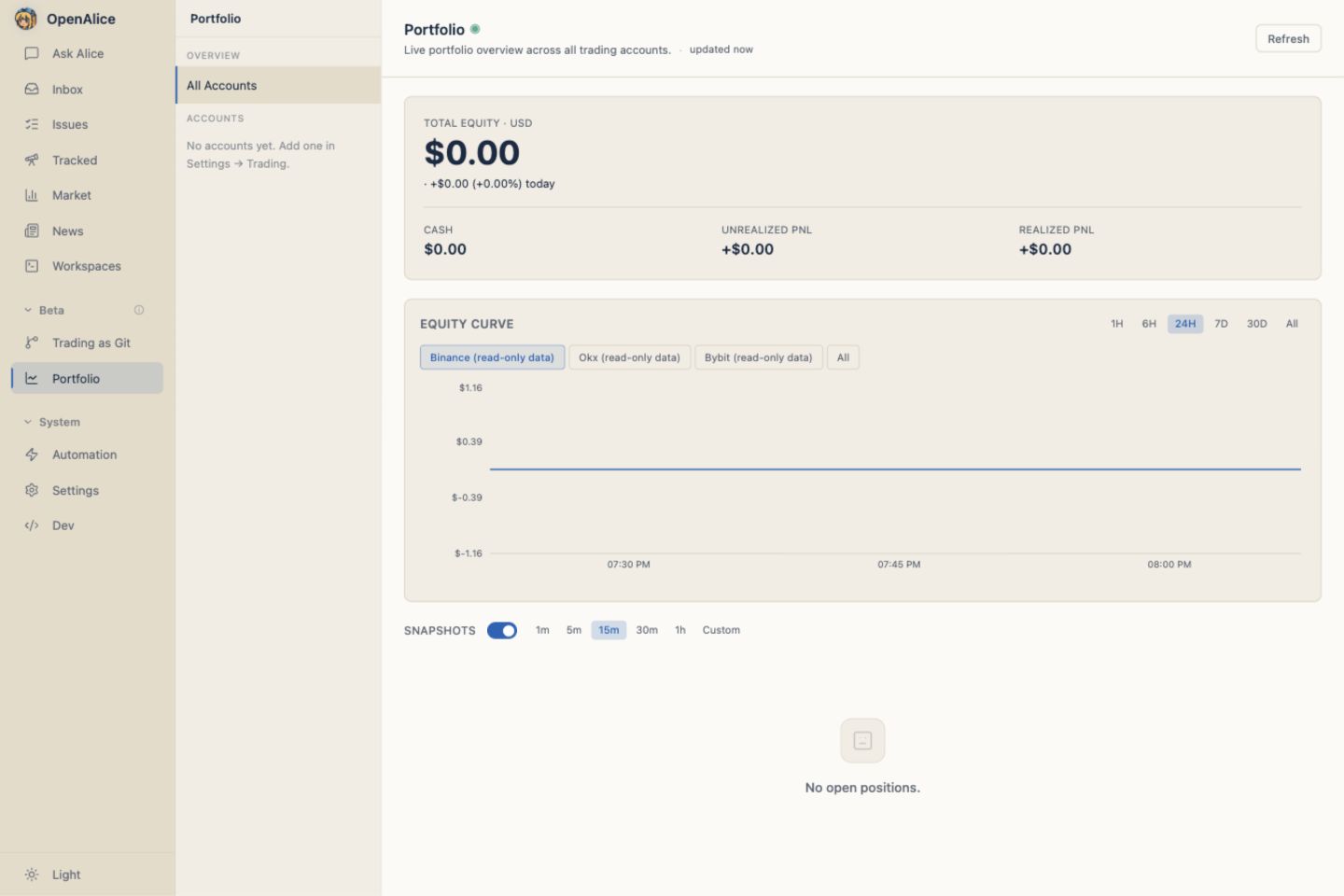
- Track overall performance trends
- Spot drawdowns and recovery periods
- Compare performance across accounts
- See the impact of specific trades
Resilience
Skipped snapshots — If the broker is unreachable when a scheduled snapshot fires, it's skipped rather than storing stale data. A snapshot.skipped event is logged.
Retry — When taking snapshots across all accounts, failed accounts get one automatic retry after a 3-second delay.
Carry-forward — The equity curve visualization handles gaps gracefully, carrying forward the last known value when snapshots are missing.
Aggregated Equity
The AccountManager can aggregate equity across all enabled accounts, giving you a unified view of your total portfolio value even when running multiple broker accounts.
Next Steps
- Trading Setup — Connect the accounts that generate snapshots.
- Orders & Execution — See when post-push snapshots are captured.
- Trading as Git — Tie equity changes back to committed trade intent.
- Configuration Reference — Tune snapshot intervals.